
Turn Screen Time into Reward Time
Education-focused screen time controls
that support children's learning in the digital world.

Education-focused screen time controls
that support children's learning in the digital world.

Block distracting apps, games, and websites during homework time. Uncontrolled devices fracture student attention, reduce reading comprehension, and lower academic performance.

Create, schedule, and monitor your kids' progress with built-in lessons and drills. New curriculum content added regularly.

Replace your kid's paper to-do list with a digital version so your family can be on the same page.

Create clear schedules to help kids stay on track, and build healthier daily habits.
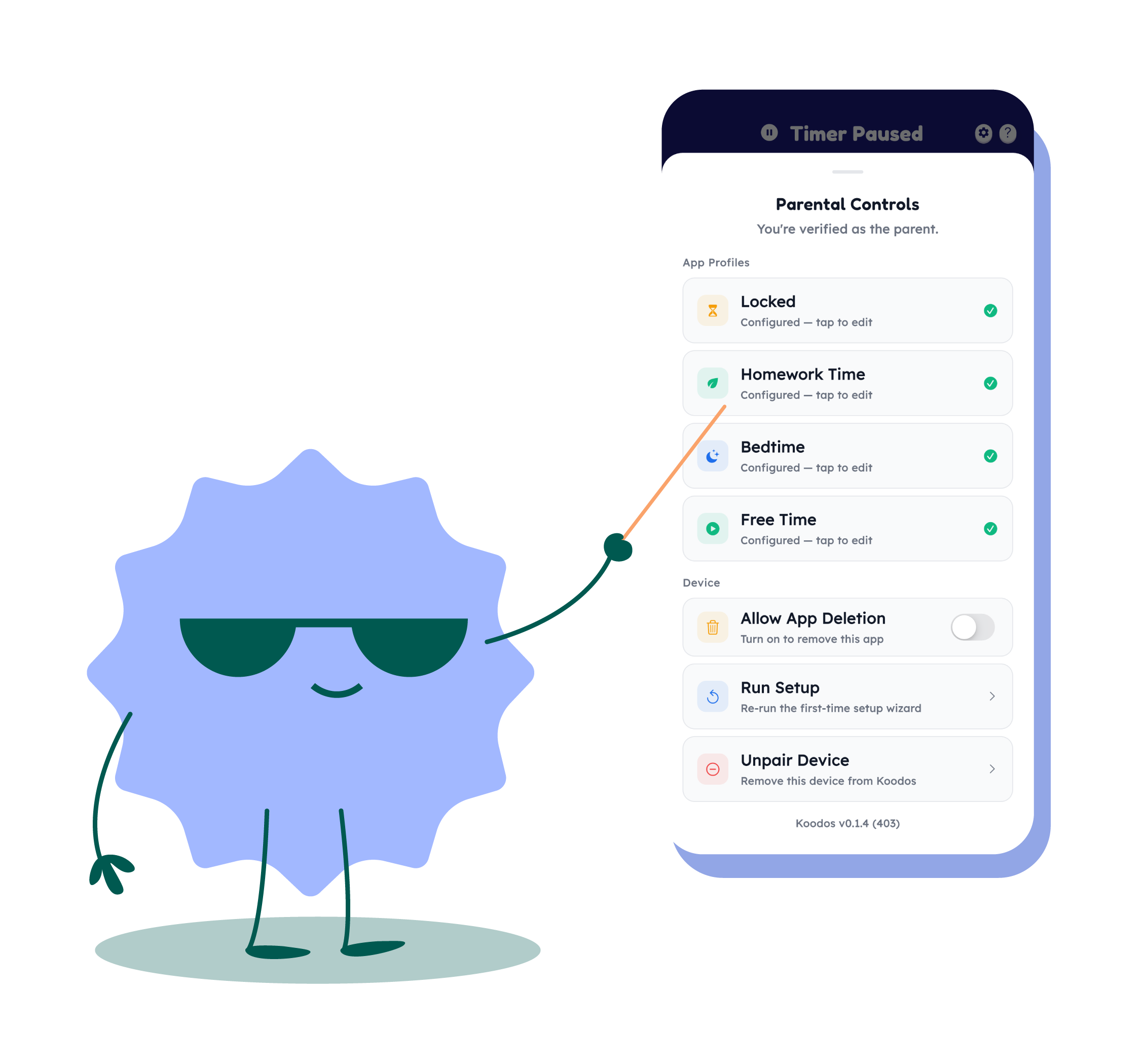
Kids earn customizable rewards by completing tasks that parents assign. Build healthy habits with positive reinforcement.

Manage multiple devices and create personalized profiles for every child on one dashboard. Available on Android, iOS, and Windows PC.

Create an account on parents.koodos.app.
Install the Koodos app on your PC, phone, or tablet.
Link your children's devices within seconds.
Koodos handles the rest. Limits are enforced automatically.

Try everything free for 14 days.
Monthly
Yearly Save 25%
$7.42/mo billed annually — like getting 3 months free.
Founder LIFETIME
New product launch special
Schools
Parents set daily screen time limits, task lists, and homework schedules via the Koodos parent app. Kids complete tasks to earn coins which can be redeemed for screen time or custom rewards. The app runs as a background service on children's devices, gently enforcing limits.
Koodos currently supports Android and iOS devices, as well as Windows PCs and Chromebooks. Support for additional platforms is on the roadmap.
Koodos starts with a 14-day free trial — you won't be charged until it ends. After that it's $9.99/month, or $89.00/year (save 25%). Both include up to 8 children, plus unlimited parents, devices, and tasks. For education pricing, contact us at [email protected].
Koodos is designed to be tamper-resistant. It runs as a persistent background service that is difficult to disable without the parent's PIN. Any removal attempts are reported to the parent app immediately.
Absolutely. We never sell your data or use it for advertising. Koodos only monitors screen time totals and task completion — we do not track browsing history or personal content. COPPA compliant.
Koodos goes beyond basic limits. Our reward system teaches kids to earn screen time by completing tasks, creating intrinsic motivation rather than enforced restriction. We also offer cross-platform management, homework mode, and a gamified experience kids actually enjoy.
Homework Mode locks distracting apps, games, and social media during study hours. Parents can whitelist specific educational websites and tools so kids can focus without temptation.
Short, built-in lessons and practice drills your child completes right inside Koodos. They currently focus on multiplication, division and fractions. Practice is bite-sized, adapts to your child's demonstrated ability rather than their age or grade, and new challenges are unlocked as your child masters new concepts. New curriculum is developed in collaboration with credentialed education professionals and will be added regularly.
No. Koodos works on standard, non-rooted Android and iOS devices. No jailbreaking or rooting is required. Setup takes just a few minutes.
The parent app runs in your web browser at parents.koodos.app — no download needed, and you can add it to your home screen so it opens full-screen like an app. Native parent apps are coming to the App Store and Google Play once Apple and Google approve them. (The child apps are already in both stores.)
Yes — Koodos is live in the United States. Create your parent account at parents.koodos.app and start your 14-day free trial; you won't be charged until it ends. Koodos protects Windows PCs, iPhones and iPads, and Android phones and tablets. We're US-only for now, with more countries on the way.
AI Tutor is an upcoming K–8 interactive curriculum with personalized learning paths, helping children build academic skills with a fun helpful animated personal tutor. It's in early development and not yet available to the public.
Education-focused screen time controls that support children's learning in the digital world.